Blog

Test Motherboard Without CPU

How To Test Motherboard Without CPU?

Many of you have asked us if it’s possible to test a motherboard without a CPU, and the answer is yes! Testing your motherboard before installing a CPU can help you understand if the motherboard is dead. To test your motherboard, connect the PSU to your motherboard, turn it on, and check if the motherboard beeps … Read more

Gigabyte VS ASUS Motherboards

GIGABYTE vs ASUS Motherboards: Who Is The Best?

If you are looking for a new motherboard, you have probably come across two of the most popular brands in the market, Gigabyte, and Asus. Both brands offer a wide range of motherboards with different features and price points, so deciding which one is right for you can be difficult. To be honest, you can’t … Read more

Upgrade Laptop Motherboard

Can You Upgrade Your Laptop Motherboard?

No, unfortunately, in most cases, you cannot upgrade your laptop’s motherboard, and even when you can, it is not economically worth doing so. The main reason you cannot upgrade a laptop motherboard is that laptop motherboards don’t have standard form factors like desktop motherboards. There are many different shapes and sizes of laptop motherboards, with … Read more

do gpu fans always spin

Should Graphics Card Fans Always Spin?

Do GPU fans always spin? No. GPU fans are not designed to spin constantly. GPUs typically have built-in systems that keep the fans idle when the card is running cool or performing light tasks.  The GPU fans only start spinning when the temperature reaches a certain threshold, which helps conserve energy and extend the lifespan … Read more

GPU Fans Not Spinning

Why GPU Fans Not Spinning? 7 Easy Fixes You Can Try

Is it OK if your GPU fans aren’t spinning? Yes, many high-end GPUs, the fans don’t spin during low-intensity tasks. But, if you’re performing heavy tasks and your GPU fans still not spinning, there might be an issue that requires attention. High-end GPUs often utilize a feature referred to as ‘zero RPM mode’ or ‘silent … Read more

How Many Case Fans Do You Need?

How Many Fans Should Your PC Have?

Overheating can permanently damage PC components like the CPU, GPU, and hard drives. Most off-the-shelf PCs can only operate up to 150°F (70°C) before damage occurs.  So how many fans does a PC need? A PC needs 2 fans (1 intake, 1 exhaust) is sufficient for normal usage and low-end gaming PCs. Gaming PCs with … Read more

gpu fans intake or exhaust

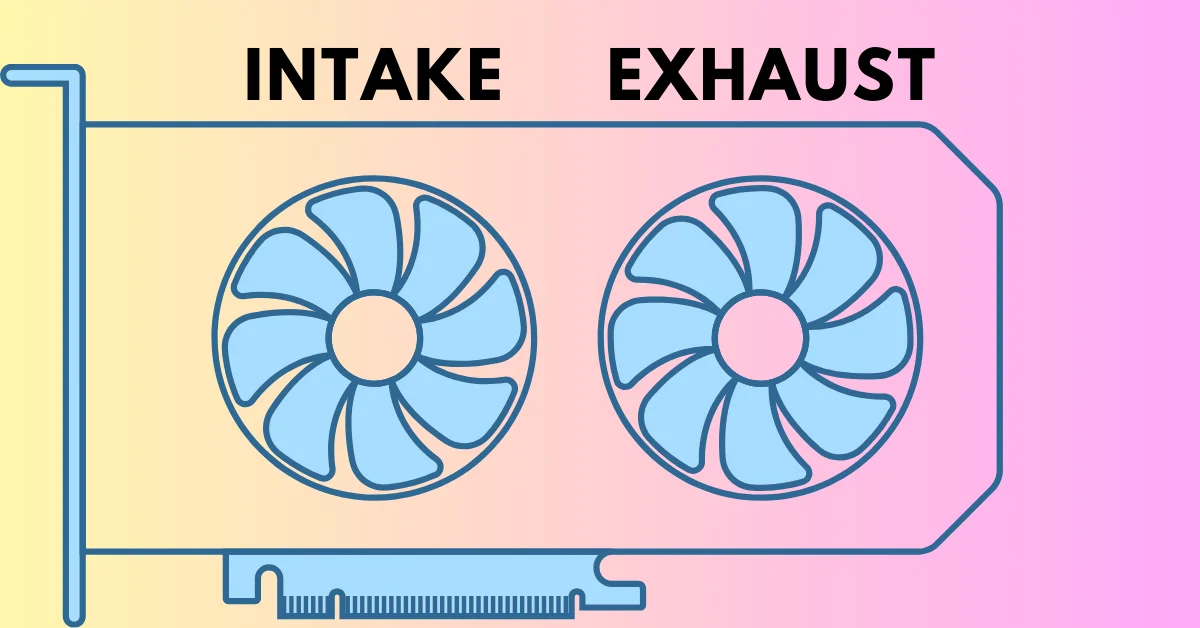
Do GPU Fans Pull In or Push Out Air?

When it comes to keeping your graphics card cool, GPU fans play a crucial role. But one common question arises: Are GPU fans function as intake or exhaust fans? Some GPU fans pull cool air onto the card, while others push hot air out of the case.  Keep reading to clarify whether your GPU fans … Read more

GPU Hotspot Temperature

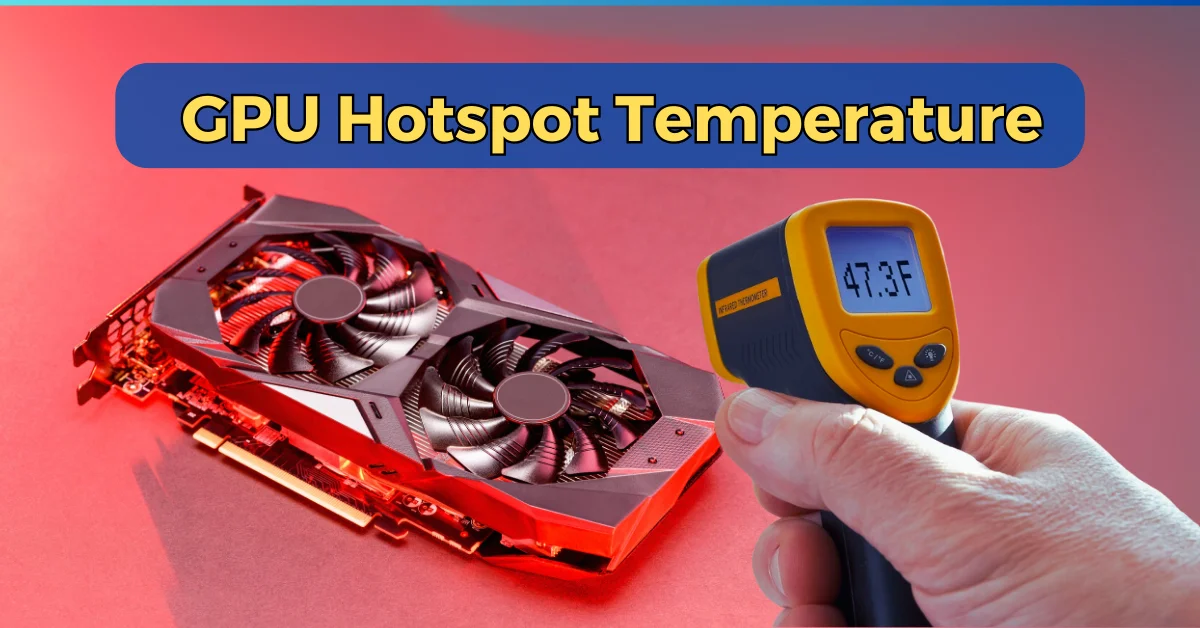
GPU Hotspot Temperature: How to Monitor and Control?

If you’ve noticed your GPU running hot and are wondering why, the answer might lie in the GPU’s hotspot temperature. Unlike the average temperature you usually monitor, the hotspot temperature represents the single hottest point on the graphics card—and it can be significantly higher.  High hotspot temperatures can lead to performance drops, overheating, or even … Read more

Monitor Sizes

Computer Monitor Sizes and Resolutions + Comparison Chart

Are you struggling to decide between a compact 24-inch monitor or a massive 49-inch ultrawide? Feeling overwhelmed by all the options in between? Don’t worry, I’ve got you covered. In today’s guide, I’ll walk you through everything you need to know about monitor sizes. We’ll explore the best choices for work, gaming, and entertainment, helping … Read more

VGA Light on Motherboard

What is VGA Light on Motherboard? And how to fix it?

You are in the car returning home from work, and you can’t stop thinking about the new strategy you will use in today’s gaming session.  So, you get home, throw everything aside really quickly and push the turn-on button of your computer.  But just as it boots up, your monitor stays dark, and when you … Read more